Redact private details from a screenshot
Paste a screenshot, cover emails, identifiers or addresses with solid rectangles, then export a PNG copy. Zoom in to adjust each redaction.
PNG export · processed in your browser
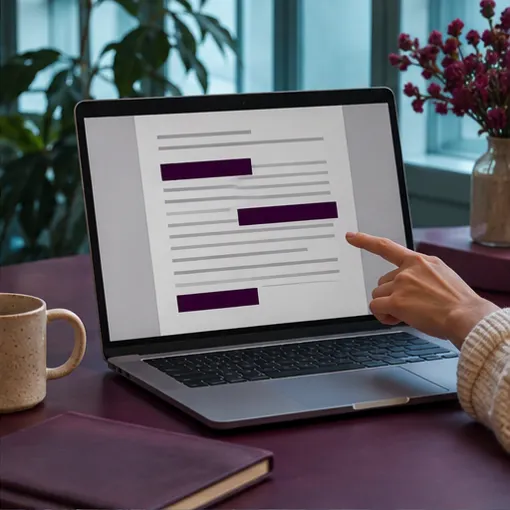
Redact my screenshot
Redaction coordinates (px)
How it works
-
Open the screenshot
Paste an image or select one from your device.
Screenshot of the message -
Redact private details
Draw solid boxes and zoom in to adjust them.
Email address · customer number -
Export a copy
Download the PNG or copy the image if your browser supports it.
Screenshot ready to share
Send a screenshot to support
If support asks to see an error in your account, leave the error message visible and cover your email address, other tabs or any unnecessary identifiers.
Frequently asked questions
How do I hide an email address in a screenshot?
Paste the screenshot, draw a solid box over the address and zoom in to check the edges. Then export a PNG copy.
Can someone remove the redactions from the exported PNG?
The boxes are drawn into the pixels of the exported image. Check the final copy before sending it.
Can I use the tool on my phone?
Choose an image from your phone and draw over the areas you want to redact. You can also enter the redaction coordinates directly.
Is the screenshot uploaded to a server?
The tool processes the screenshot on your device. The exported PNG is a new image.